> ## Documentation Index
> Fetch the complete documentation index at: https://docs.1price.co/llms.txt
> Use this file to discover all available pages before exploring further.
# Build: Offers
> The way your products are offered to a customer on your paywall.
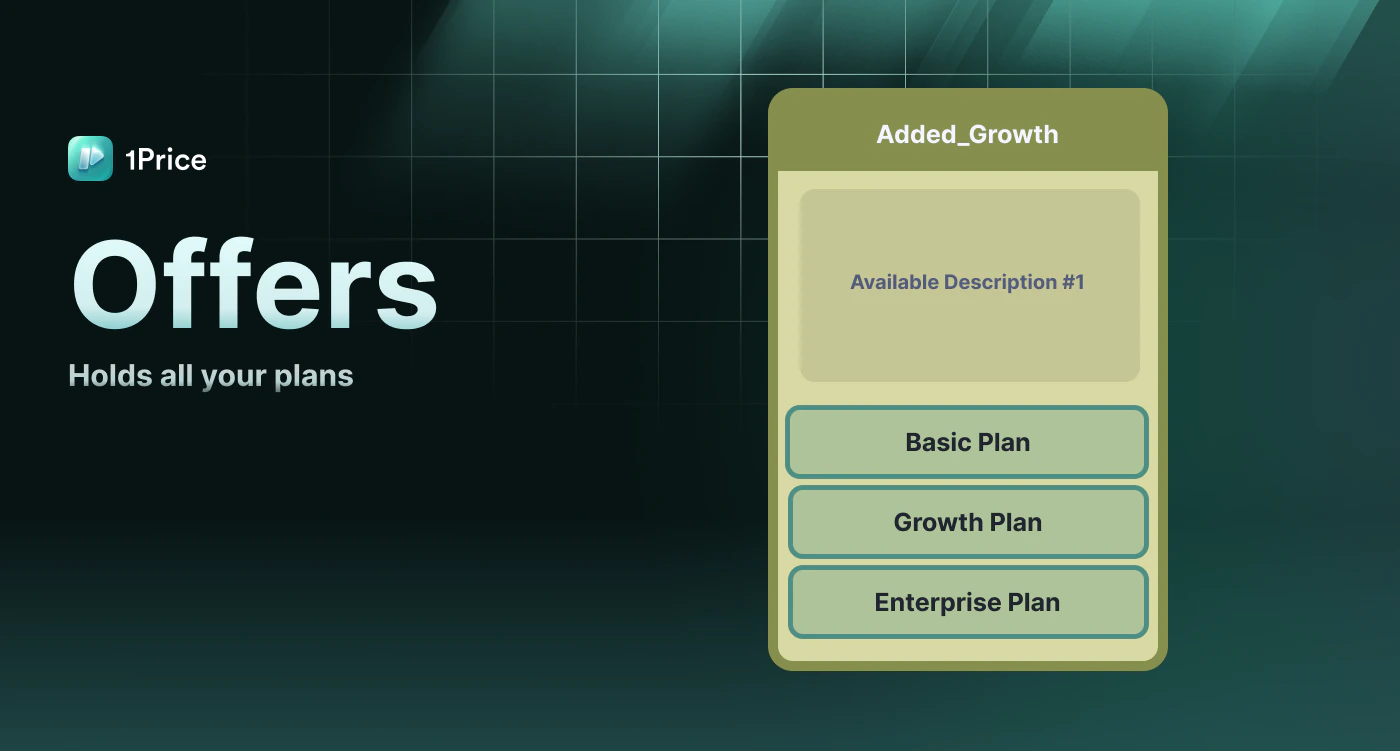 The 1Price platform allows you to create Offers that hold your [Plans](/build/plans). Offers are the way the plans & products are packaged to your customer.
### Offer Configurations
After settings up your [Plans](/build/plans), you can now group your Plans together into an Offering. The differences of these Offers are basic for setting [Experiments](/build/experiment).
The 1Price platform allows you to create Offers that hold your [Plans](/build/plans). Offers are the way the plans & products are packaged to your customer.
### Offer Configurations
After settings up your [Plans](/build/plans), you can now group your Plans together into an Offering. The differences of these Offers are basic for setting [Experiments](/build/experiment).
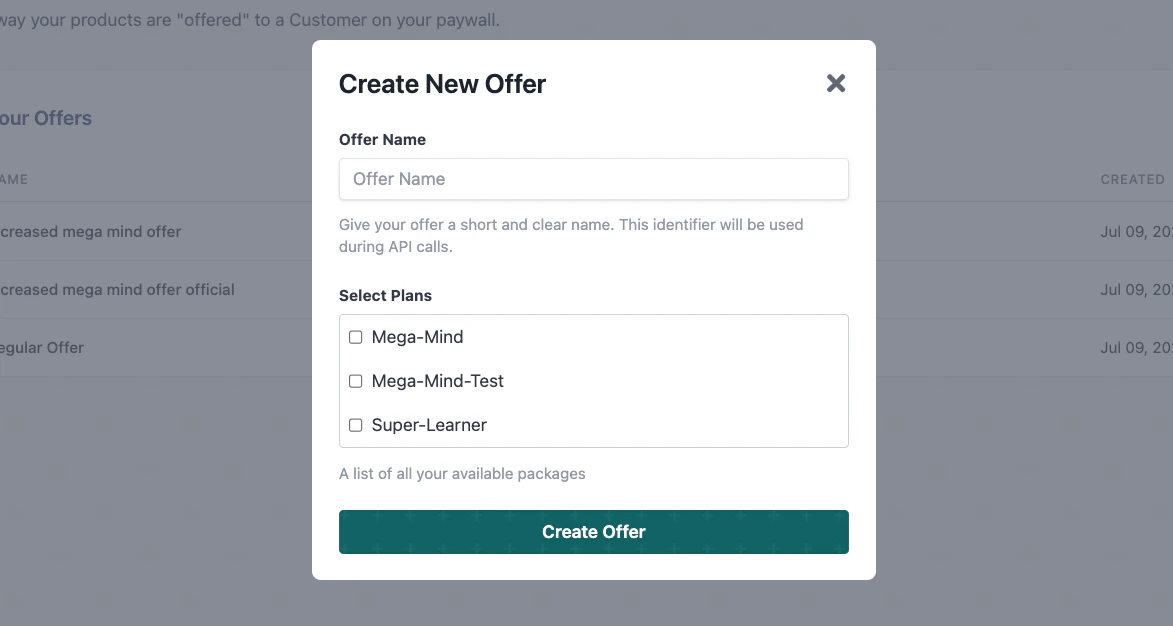
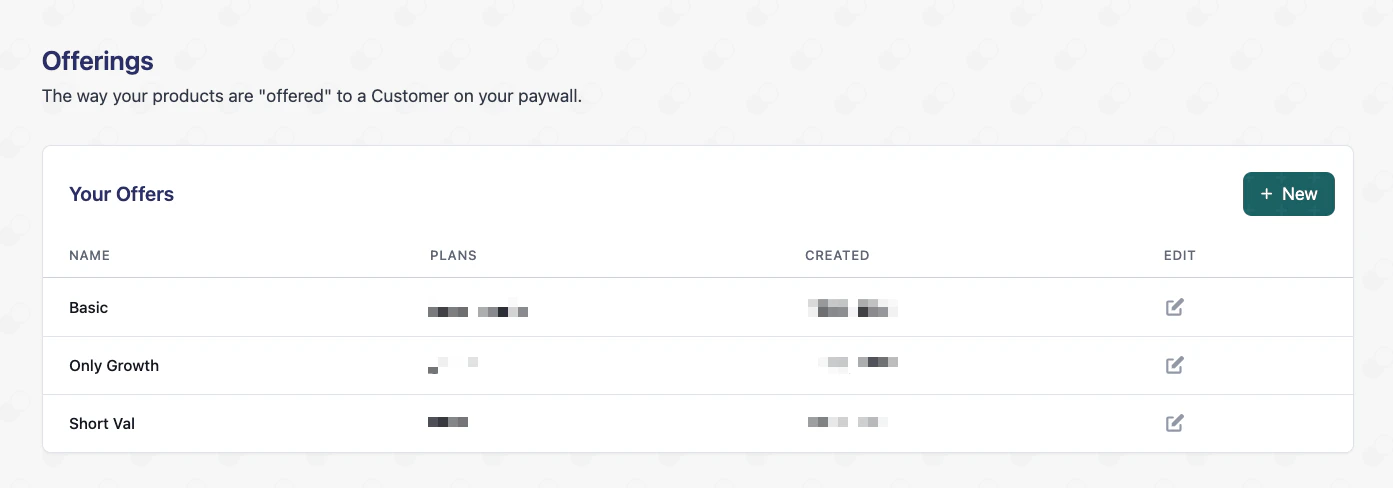 Navigate to the **Offer** tab and choose **+ New** then fill in the Offer Name, and select which Plans to link to your Offer. Once you've entered this information, click **Create Offer**.
 ### Required Fields
The name of the offer
The plans that are linked to your offer.
### Required Fields
The name of the offer
The plans that are linked to your offer.